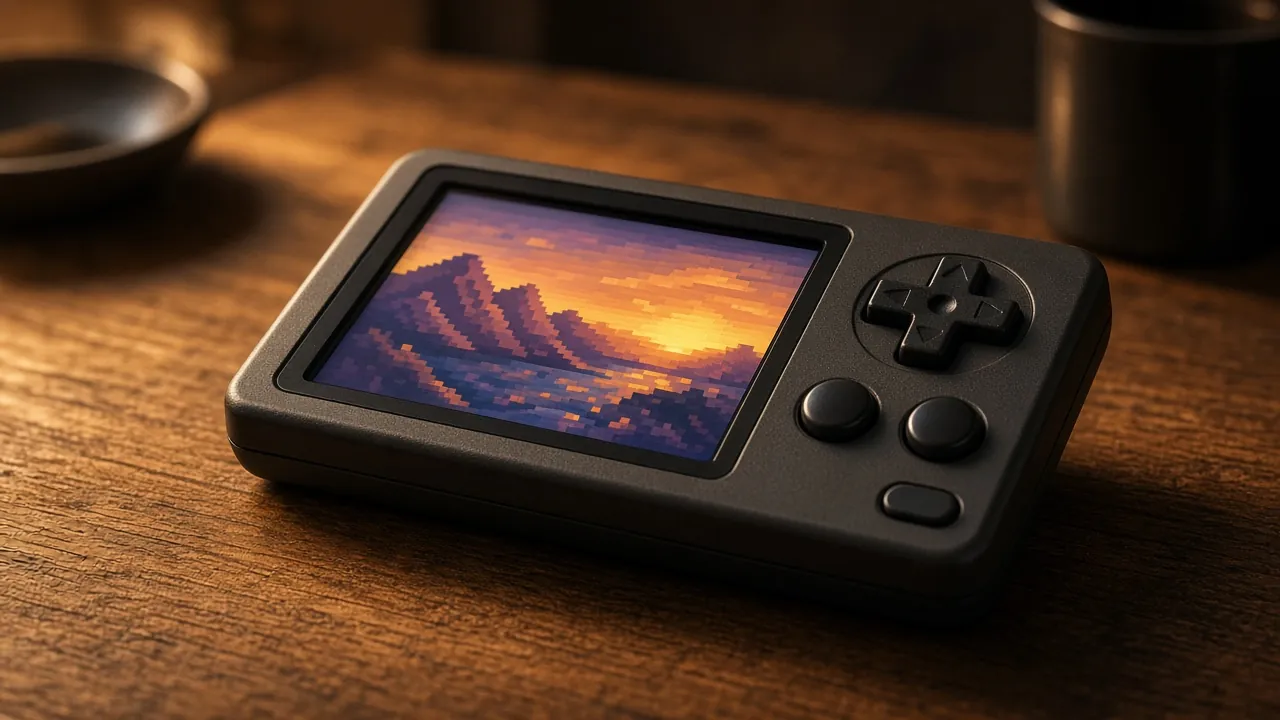
Why a 4:3 screen suits retro handhelds: how classic consoles displayed games, what integer scaling means, how Game Boy and GBA games fit, and what to check before you buy a 4:3 device.
Most phones and many modern handhelds have wide 16:9 or taller screens. For retro games, a squarer 4:3 screen often looks better, because that's the shape most classic games were made for. Here's why, and what to check before you buy.
How classic games were displayed?
Home consoles from the NES to the PlayStation were designed for 4:3 CRT televisions. Their internal resolutions were often low and odd, for example 256 pixels wide by 224 or 240 lines tall, and the TV stretched that picture to fill a 4:3 screen. So the "correct" shape of most games from that era is 4:3, even when the raw pixel count suggests something slightly different.
Handheld consoles are the exception. The original Game Boy screen is 160×144 pixels, a ratio of 10:9, and the Game Boy Advance is 240×160, a ratio of 3:2. Neither matches 4:3 or 16:9 exactly.
What goes wrong on a wide screen?
On a 16:9 screen, a 4:3 game has two choices:
- Black bars at the sides (pillarboxing). This keeps the correct shape but wastes a quarter of the screen, so the picture is smaller than the device's size suggests.
- Stretching to fill the screen. Everything looks too wide, circles become ovals and characters look squat.
On a 4:3 screen, a 4:3 game fills the whole display at the right shape. That's the main appeal: a 3.5-inch 4:3 screen can show a PlayStation or SNES game larger than a similar-sized 16:9 screen would.
Integer scaling and why 640×480 is popular
Pixel art looks sharpest when each original pixel becomes a whole number of screen pixels, for example 2×2 or 3×3. This is called integer scaling. When the scale isn't a whole number, some pixels are drawn wider than others, which can cause shimmering when the picture scrolls.
Many budget retro handhelds use a 640×480 screen. That suits retro games well:
- A 240-line console game scales exactly 2× vertically to 480 lines.
- A Game Boy Advance game (240×160) scales exactly 2× to 480×320, with borders above and below.
- A Game Boy game (160×144) scales exactly 3× to 480×432.
Emulators such as RetroArch let you turn integer scaling on or off, choose the aspect ratio, and add shaders that imitate CRT scanlines. Try integer scaling first for sharp pixels, then switch it off if you prefer a bigger picture.
Where 4:3 is less ideal?
- Widescreen-era systems. Many later games, such as some on the PSP, Wii or PS2, use 16:9. These will have black bars on a 4:3 screen.
- Game Boy Advance. At 3:2, it fits a 4:3 screen with borders rather than filling it. Some players prefer a 3:2 device for GBA.
- Android and modern apps. Phones' apps and streaming services are designed for wide screens, so a 4:3 Android handheld will show them letterboxed.
What to check before you buy?
- Resolution: 640×480 is a sweet spot for 8-bit to PlayStation-era games; higher resolutions make integer scaling of odd sizes easier but need more processing power.
- Screen size and density: a bigger screen isn't always better if it means a lower pixel density.
- Which systems you'll play: if you mainly play GBA or widescreen games, consider a different aspect ratio.
- Software support: check that the device's firmware supports integer scaling and per-system aspect settings.
- Legal games: emulators are legal, but in the UK copying games you don't have permission to copy isn't, even from cartridges you own. Use games you're licensed to play, such as official re-releases and homebrew.
The bottom line
If your library is mostly NES, SNES, Mega Drive and PlayStation games, a 4:3 screen shows them at the shape they were designed for and makes the most of a small display. If you play a lot of GBA or widescreen games, look at 3:2 or 16:9 devices instead.
Sources and further reading
- Libretro docs: video settings, aspect ratio and integer scale
- Nintendo: Game Boy history
- Intellectual Property Office: exceptions to copyright
Facts checked on 20 October 2026. Spotted an error? Tell us and we will correct it.
Related Articles
- Retro Gaming Themed Sleep Away Camps A Comprehensive Guide For Parents And Kids
Alex reviews retro handhelds, Minecraft builds, and gaming tech. Has been writing about games since the GBA era.
Last updated: 2026-04-25 · Fact-checked by editorial team
Content Attribution: All content on Retro Gaming Handhelds is original. External sources are attributed where applicable. Trademarks belong to their respective owners.